Best Noise-Cancelling Headphones for Open Offices (2026)
Disclosure: This researched guide compares current manufacturer specifications, platform certifications, prices, warranties, returns, safety guidance, and independent lab coverage. No affiliate links were added. MedHelperPro did not wear, measure, record, or call through these headphones.
Sony WH-1000XM6 is the best all-around pick for an open office.
It combines strong independent evidence for reducing office chatter with a capable microphone, two-device Bluetooth, and a 30-hour manufacturer battery claim with noise cancellation on. Choose Logitech Zone Wireless 2 for meeting-heavy work, Bose QuietComfort Ultra 2nd Gen for comfort, AirPods Max 2 for an Apple-first desk, or Soundcore Space One Pro for value.
WH-1000XM6
Open-office noise is a harder problem than airplane rumble. Active noise cancellation is usually strongest against steady low-frequency sound. Nearby speech, keyboard clicks, and chairs moving cover more frequencies and change from moment to moment. The best office pair therefore needs both effective isolation and a secure seal, not a large microphone count or a bold marketing claim.
Calls add a second problem: your headphones must quiet the room for you while their microphone keeps the room out of your voice for everyone else. Frequent callers should treat microphone handling and computer compatibility as separate buying criteria. For the rest of the desk, the ergonomic workspace setup guide puts chair, screen, input devices, and lighting in a practical order.
Which noise-cancelling headphones are best for open offices?
| Headphones | Best for | Published ANC battery | Weight | Direct price checked Sept. 30 |
|---|---|---|---|---|
| Sony WH-1000XM6 | Best overall balance | 30 hours playback | 8.96 oz | $459.99 |
| Logitech Zone Wireless 2 | Frequent Teams, Zoom, and Meet calls | 15 hours talk; 22 hours listening | 8.11 oz | $249.99 |
| Bose QuietComfort Ultra 2nd Gen | Comfort and quiet listening | 30 hours playback | About 9 oz | $449 |
| Apple AirPods Max 2 | Apple-first workspaces | 20 hours playback | 13.6 oz | $549 |
| Soundcore Space One Pro | Best value under $200 | 40 hours playback | 10.10 oz | $199.99 |
Battery note: These are each manufacturer's maximum figures, not MedHelperPro measurements. Call time and playback time are different workloads. Volume, codecs, app features, signal quality, voice isolation, and battery age can change the result.
How were these office headphones selected?
The shortlist favors the problems that appear at a real shared desk: variable speech, call pickup, comfort, device switching, and return risk. It does not reward spatial-audio effects or sound-quality claims that make little difference during a spreadsheet session.
RTINGS' current isolation method uses calibrated sound and includes office recordings with speech and workplace noise. That is more relevant here than a plane-only test. Manufacturer pages and manuals supplied specifications. Current direct-store terms supplied prices, warranties, and returns. Platform certification mattered for the dedicated work headset.
- Speech isolation: Independent evidence had to address voices or office noise, not only engine hum.
- Microphone behavior: A boom mic or effective processing matters when meetings occupy much of the day.
- Wear and seal: Weight, cushion depth, glasses, hair, and head shape can change comfort and isolation.
- Connection fit: Multipoint Bluetooth, USB audio, a work-platform receiver, and OS limits affect daily friction.
- Ownership terms: Buyers need enough return time to test their own office, along with clear warranty coverage.
No pair can make nearby voices disappear for every listener. RTINGS' Sony comparison shows why the exact noise profile matters: its common-scenario method checks an office, a street, and an airplane separately. Seal quality can still change the result for people who wear glasses or have hair under the cushions.
Why is Sony WH-1000XM6 the best overall choice?
Sony WH-1000XM6 is the safest recommendation when quiet listening and calls matter about equally. RTINGS found its noise isolation stronger than major rivals in office-like scenarios and also favored its microphone over the Bose alternative. Sony's own system uses 12 microphones, but the independent result matters more than that count.
Sony's specifications list two-device multipoint, a 30-hour maximum for music with noise cancellation on, and up to 24 hours of communication with cancellation on. The headphones can also work passively through the included analog cable. That fallback is useful if the battery dies, although active cancellation and other powered features will not remain available.
The direct Sony page showed $459.99. Sony's direct return period is 30 days from shipment, but its terms require authorization and original packaging, may leave return shipping to the buyer, and reserve a possible restocking fee. Keep the carton until the seal, pressure, controls, microphone, and two-device switching have passed a workweek check.
Best for: people who divide the day between focused work, music, and ordinary calls across a phone and computer. Skip it if: shallow cushions bother your ears, glasses break the seal, you need a certified work receiver, or you expect microphone quality equal to a dedicated boom.
When is Logitech Zone Wireless 2 the better office headset?
Logitech Zone Wireless 2 is the strongest choice for a calendar full of calls. Its boom microphone, receiver options, flip-to-mute behavior, and meeting-platform certifications solve work problems that consumer headphones often leave to Bluetooth and operating-system luck.
Logitech lists certification for Microsoft Teams as a Premium Microphone for Open Office, along with Zoom, Google Meet, and Google Voice support when using the relevant receiver and version. The page also says four noise-cancelling microphones suppress nearby conversation and HVAC sound. This is first-party evidence tied to named certifications, not a MedHelperPro call test.
The 8.11-ounce headset supports Bluetooth and USB receiver connections. Logitech lists up to 15 hours of talk time or 22 hours of listening with cancellation on, plus a two-year limited hardware warranty. Its US business-headset listing displayed $249.99. The exact Teams or UC version matters, so match the receiver and platform before ordering.
Best for: support staff, sales calls, remote meetings, and users who want hardware mute control and managed computer connectivity. Skip it if: music quality, stronger listening-side isolation, compact travel storage, or an invisible microphone matters more than meeting reliability.
Is Bose QuietComfort Ultra 2nd Gen best for all-day comfort?
Bose QuietComfort Ultra Headphones 2nd Gen are the comfort-first premium choice. Independent comparisons consistently place their isolation near the top, while RTINGS found their generous padding more comfortable than Sony's shallower cushions. That is useful for long focus blocks, but a head-specific fit check still decides the winner.
Bose's support specifications list Bluetooth 5.4, USB-C and auxiliary inputs, and up to 30 hours of playback with cancellation on. Bose also supports two-device multipoint. The direct page showed $449, a one-year warranty, complimentary direct returns, and a 30-day return window.
The compromise is call priority. Sony has the stronger independent microphone case, while Logitech uses a dedicated boom and workplace certifications. Bose remains a good occasional-call option, but a quiet listening experience does not guarantee that coworkers on the call hear less room noise.
Best for: long writing or analysis sessions where comfort and strong isolation lead the decision. Skip it if: you take calls in the busiest part of the office, need a certified receiver, want the lowest price, or dislike relying on app settings for some controls.
Who should choose Apple AirPods Max 2?
AirPods Max 2 make sense for an Apple-first desk, not as the universal premium winner. The H2-based model adds strong noise cancellation, Voice Isolation, familiar physical controls, and automatic Apple ecosystem features. It is also the heaviest option here by a wide margin.
Apple lists 13.6 ounces, 20 hours of listening with cancellation on, nine total microphones, Bluetooth 5.3, and lossless USB-C audio. The US store showed $549. Apple allows 14 calendar days for direct returns and provides a one-year limited accessory warranty.
RTINGS found exceptional isolation and good office use for listening, but warned that the built-in microphone does not work through USB-C on MacBooks or PCs. Non-Apple Bluetooth use can also lose features. Anyone buying for Windows Teams calls should verify the complete connection and microphone path before the short return period closes.
Best for: an iPhone and Mac user who values Apple switching, controls, and listening features. Skip it if: weight causes pressure, 20-hour battery life feels short, Windows is the main work computer, or $549 buys more ecosystem polish than you need.
Is Soundcore Space One Pro the best value?
Soundcore Space One Pro is the value pick for quiet work and occasional calls. At $199.99 direct, it undercuts the premium consumer pairs while keeping adaptive cancellation, multipoint Bluetooth, folding hinges, and a long published battery figure.
Soundcore lists 40 hours with cancellation on, four microphones for calls, 10.10-ounce weight, and a five-minute charge claim for eight hours of normal-mode playback. Direct purchases have a 30-day money-back period. The company's policy covers headphones for 18 months against quality-related defects.
RTINGS found excellent isolation in a busy office and more than 36 hours in its own battery run. The limitation shows up on calls: its microphone could muffle speech in moderate background noise and fail under much louder sustained noise. That makes it a stronger focus headphone than a call-center tool.
Best for: budget-conscious listeners who need multipoint and strong isolation for focused work. Skip it if: open-office calls are the main job, a protective hard case is essential, or aggressive bass makes spoken content harder to follow.
What should you test before the return deadline?
The best office headphone test uses your desk, your glasses, your computer, and your meeting app. Manufacturer battery figures and lab isolation data narrow the field. They cannot predict head shape, local Bluetooth policy, microphone processing, or whether a nearby voice remains especially distracting to you.
- Check the seal in silence. Wear the headphones with glasses, earrings, and your usual hairstyle. Move your jaw and turn your head. A changing bass response or outside-noise leak can signal an unstable seal.
- Play no music first. Use cancellation alone during ordinary office chatter. Music can mask weaknesses and encourages higher listening volume.
- Record the real microphone. Use the exact Teams, Zoom, Meet, Slack, or phone setup used at work. Record 30 seconds from the quiet room and 30 seconds near normal chatter, then compare intelligibility.
- Switch between devices. Join a computer call, take a phone call, return to computer audio, and check mute controls. Multipoint behavior varies by app and operating system.
- Wear them for a full focus block. Check heat, jaw pressure, crown pressure, ear contact, and how quickly you want a break. Do this early enough to preserve the return window.
- Keep every accessory and box. Sony, Bose, Apple, Logitech, and Soundcore apply different direct-return conditions. A retailer purchase follows the retailer's terms instead.
A comfortable listening setup is only one part of a workable desk. The office-chair guide explains fit and return checks, while the dual-monitor arm guide covers screen placement and desk compatibility. If cables and receivers crowd the desk, compare the renter-friendly options in the cable-management guide.
Do noise-cancelling headphones protect hearing?
No. Consumer active noise-cancelling headphones should not be treated as workplace hearing protection unless they carry an appropriate Noise Reduction Rating. NIOSH states this directly. Hazardous work areas need an employer's noise controls and correctly selected hearing protection.
Noise cancellation can still help people listen at a lower volume because it reduces the urge to overpower the room. WHO's current safe-listening guidance gives 80 dB for up to 40 hours per week as an example, with safe time falling as volume rises. Use device exposure alerts and keep enough awareness for alarms, announcements, and coworkers.
Frequently asked questions
Can active noise cancellation block people talking?
It can reduce speech, but it rarely removes every word. Voices change quickly and occupy frequencies that are harder to cancel than a steady engine hum. A close cushion seal and passive isolation help. Independent office-scenario tests are more useful than a brand's general cancellation claim.
Are headphones with a boom mic always better for office calls?
A well-designed boom usually places the microphone closer to the mouth, which can improve voice pickup and background rejection. It is not an automatic guarantee. Platform certification, receiver support, microphone processing, and a recording made through the actual work app provide a better decision than microphone position alone.
Should an open-office headset use Bluetooth or a USB receiver?
A receiver is the safer choice for meeting-heavy Windows work because it can support certified controls and a more predictable computer connection. Bluetooth is convenient for phones and multipoint use. Confirm what the employer allows, since locked-down computers may block drivers, apps, firmware tools, or personal Bluetooth devices.
How much should you spend on office headphones?
Spend for the problem you actually have. Around $200 buys strong isolation and multipoint in the Soundcore pair. Logitech's $249.99 model makes sense when calls dominate. The $449 to $549 consumer flagships justify themselves through stronger isolation, comfort, ecosystem features, or sound, not automatic gains in every office task.
Research and testing limitations
MedHelperPro did not possess, wear, charge, measure, record, update, or call through these headphones. This guide does not verify personal comfort, pressure, heat, office-speech attenuation, microphone pickup, Bluetooth stability, actual battery life, app behavior, or long-term hinge and cushion durability. Specifications, prices, certifications, warranties, and direct-store return terms were checked September 30, 2026.
The calendar proposed testing every pair against recorded open-office chatter instead of airplane noise. The repository contains no headphone samples, calibrated speakers, head-and-torso simulator, room record, source level, microphone captures, listener panel, or repeatable protocol. Reporting a result would invent evidence. The guide uses independent office-scenario testing, named platform certification, and a reader-run return-window protocol instead.
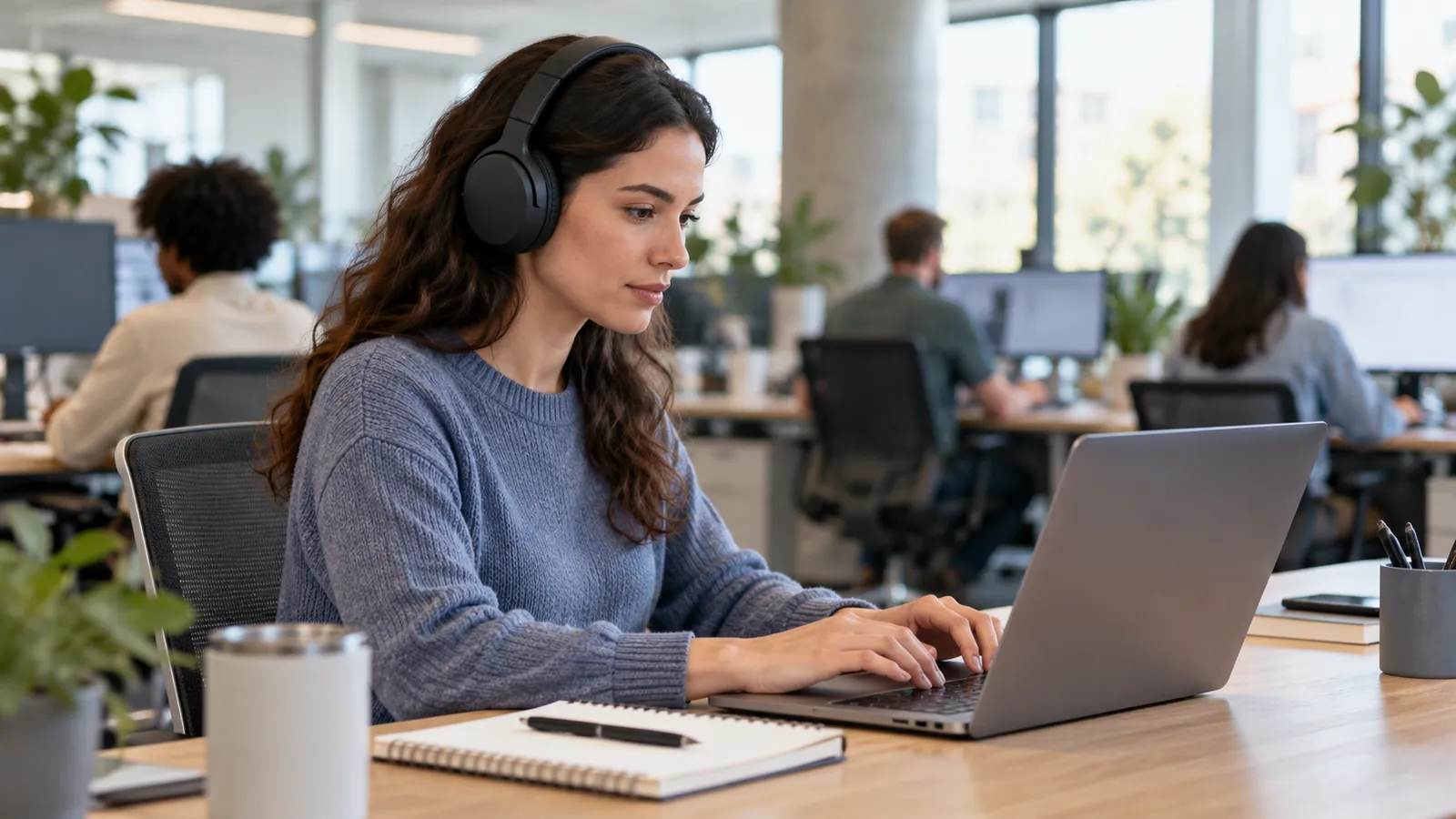
The original hero is an AI-generated generic open-office scene. It is not a photograph of MedHelperPro testing and does not depict any named headphone model.
Sources and further reading
- Sony: WH-1000XM6 product page and current direct price, specifications, and US direct-return terms
- Logitech: Zone Wireless 2 specifications, certifications, battery claims, compatibility, and warranty
- Bose: QuietComfort Ultra Headphones 2nd Gen price, features, warranty, and returns and support specifications
- Apple: AirPods Max 2 technical specifications, US direct price, returns, and accessory warranty
- Soundcore: Space One Pro price and specifications and warranty and return policy
- RTINGS: Sony XM-series office-scenario comparison, current Bose comparison, AirPods Max 2 review, and Space One Pro review
- NIOSH: active noise cancellation and hearing-protection limits
- WHO: safe-listening guidance and ITU-T H.870 safe-listening standard
Before you buy: Recheck the exact model and platform version, current price, stock, fit, microphone path, multipoint behavior, app and firmware requirements, included receiver or cable, warranty, return deadline, original-packaging rule, shipping costs, and fees. This guide is product research, not a hands-on noise or call test.