Best Standing Desks for Dual-Monitor Setups (2026)
Affiliate disclosure: As an Amazon Associate I earn from qualifying purchases. MedHelperPro may earn a commission from eligible purchases made through links in this guide, at no extra cost to you. Affiliate availability does not affect our selections. Read the full disclosure.
Research note: Product selections are based on published specifications, policies, and independent evidence unless a guide explicitly describes hands-on testing.
Relevant shopping option: This direct product listing matches the guide category. Check the exact size, model, seller, and return terms before ordering.
Choose the desk that fits your seated height before chasing a huge capacity number.
UPLIFT V3 is the strongest overall researched pick for its broad height range, fast lift, customization, warranty, and free-return terms. FlexiSpot E7 Pro suits heavier configurable setups. Branch Duo fits small rooms. IKEA MITTZON makes returns easier near a store. Secretlab MAGNUS Pro is the cable-management specialist.
V3
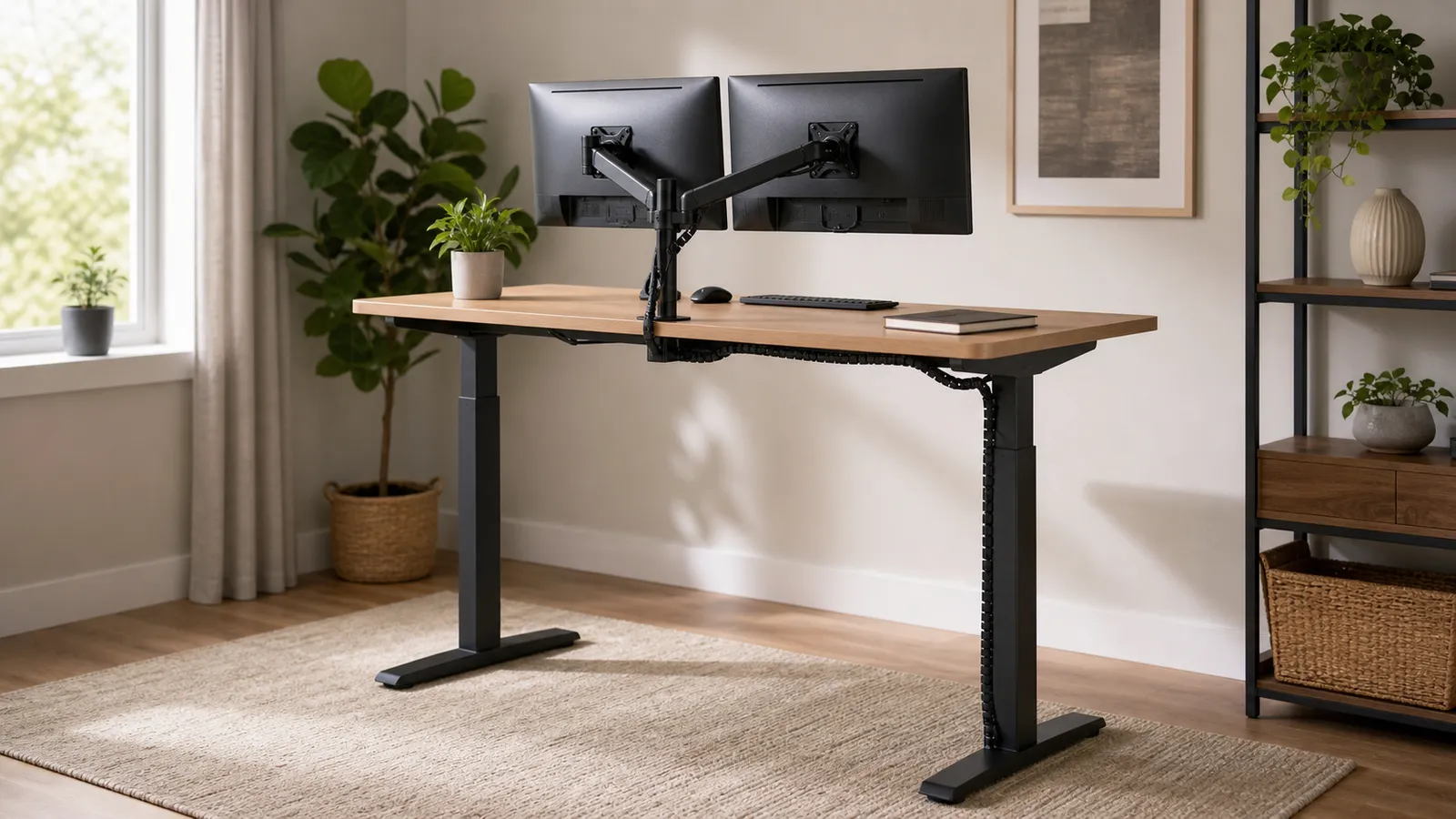
A dual-monitor arm changes the standing-desk decision. The motor must lift the equipment, but capacity alone does not tell you whether the screens will stay calm while you type. The frame, desktop, clamp position, floor, and monitor arm all affect visible movement. Compare the arm's per-screen limits and desk mounts in the dual-monitor arm guide.
This guide treats published capacity as one input, not a stability score. It compares current product pages, manuals, warranty and return terms, standards, and independent evaluations. If you are still planning the room, start with the ergonomic workspace buying order so the desk, chair, screen, and input devices fit together.
Quick comparison: which standing desk should you buy?
UPLIFT V3 is the most balanced choice on paper. FlexiSpot publishes a larger static-load figure. Branch Duo fits compact rooms, MITTZON favors store access, and MAGNUS Pro favors integrated power and matched monitor arms.
| Desk | Height range | Published capacity | Speed and noise | Presets | Best for |
|---|---|---|---|---|---|
| UPLIFT V3 | 22.6 to 48.7 in with 1 in top | 355 lb lift claim | 2 in/sec, under 48 dB | Advanced keypad option | Most buyers and highly customized setups |
| FlexiSpot E7 Pro | 25 to 50.6 in | 440 lb maximum static load | 1.6 in/sec; 34 to 46 dB in FlexiSpot's comparison | 4 | Heavy equipment and value-focused configuration |
| Branch Duo | 28 to 47.3 in | 275 lb lift capacity | 1.3 in/sec, under 50 dB | 2 | Small rooms, renters, and straightforward assembly |
| IKEA MITTZON | 24.4 to 49.6 in | 176 lb maximum load | Not published on U.S. product page | 2 | Buyers who value store access and flexible returns |
| Secretlab MAGNUS Pro | 25.6 to 49.2 in | 265 lb distributed load, including desktop | 1.18 in/sec, under 50 dB | 3 | Cable-heavy dual-monitor and desktop-PC setups |
Price tiers checked July 28, 2026: Branch listed Duo at $549. IKEA listed the cited 47.25 by 31.5-inch MITTZON at $569.99. UPLIFT and FlexiSpot totals change with top size and material. Secretlab sits in the premium tier and its matched mounts and magnetic accessories add to the total. Use the configured checkout price, not the sale banner, when comparing.
How were these standing desks selected?
The shortlist favors adjustment range, a documented load figure, usable controls, safety features, warranty coverage, and a return path. No desk earned credit for a vague "stable" claim.
- Height fit: The low end matters for seated elbow height. The high end needs to reach standing elbow height without forcing raised shoulders.
- Load clarity: Dynamic lift capacity, static load, distributed load, and capacity inclusive of the desktop are not interchangeable.
- Controls: Presets matter when two people share the desk.
- Standards: ANSI/BIFMA X5.5 covers safety, durability, structural performance, and tests related to height-adjustable surfaces. It is useful evidence, not a personal comfort score.
- Ownership: Return freight, packaging rules, desktop exclusions, and electrical-component coverage can matter more than another accessory.
Consumer Reports' 2025 evaluation found that low height, controls, and assembly produced the largest differences among six electric desks. WIRED's April 2026 guide independently evaluated several brands here. MedHelperPro used both as cross-checks and did not import their scores.
Why is UPLIFT V3 the best overall researched pick?
UPLIFT V3 covers the widest set of ordinary buying needs without forcing the buyer into one desktop size or material. The current product page lists a 22.6 to 48.7-inch range with a 1-inch top, 355-pound lifting capacity, 2-inch-per-second travel, and operation below 48 dB. Memory positions require the Advanced Keypad, so confirm that control before ordering.
The fast movement is useful, but customization is the bigger advantage. Different widths, depths, tops, frame styles, cable parts, and monitor-arm options let one base serve a simple laptop station or a wide dual-display desk. Those choices also make the cart complicated. A made-to-order top can have different return treatment from a standard configuration.
UPLIFT gives current desks a 15-year warranty and advertises free 30-day returns for eligible like-new products in original packaging in the contiguous United States. Best for: buyers who want a desk that can change with the setup. Skip it if: a custom top and easy returns are both essential, or local service matters more than choice.
When is FlexiSpot E7 Pro the better value?
FlexiSpot E7 Pro is the value-oriented choice for a heavy setup because its current page lists a 440-pound maximum static load, four presets, cable management, and a 15-year warranty for the frame, motors, controller, switch, and electronics. Its height range starts at 25 inches and reaches 50.6 inches, which favors average and taller users more than short seated users.
The important word is static. The product page does not present that 440-pound figure as a dynamic payload in the same way Branch calls Duo's figure lift capacity. FlexiSpot's own comparison article reports 1.6-inch-per-second travel and 34 to 46 dB in its brand-run noise test. Those numbers help with comparison, but they are not independent measurements from this guide.
Eligible direct purchases can generally be returned within 30 days in like-new condition with no stated restocking or return-shipping fee. Best for: buyers who will verify the configured top and checkout total. Skip it if: you need a low seated height, a plainly stated dynamic payload, or pricing outside a configurator.
Is Branch Duo the best standing desk for a small room?
Branch Duo is the compact pick because it comes in 36 by 24, 48 by 24, and 58 by 27-inch sizes. The official specification lists a 275-pound lift capacity, 1.3-inch-per-second travel, noise below 50 dB, two presets, and collision detection. Reusable threaded inserts also make disassembly less punishing for renters and frequent movers.
The catch is height. Duo stops at 47.3 inches and only lowers to 28 inches. That minimum may place the keyboard too high for a shorter seated user even when the chair is adjusted well. The smaller 36-inch top also leaves little room for two monitors, a laptop, speakers, and writing space. For dual displays, the 48 or 58-inch size is the practical starting point.
Branch covers Duo for 10 years. Like-new returns are allowed within 30 days in original packaging, but the buyer pays return shipping. Best for: compact rooms and setups that may move. Skip it if: your seated elbow measurement is below its 28-inch minimum, you need four presets, or return freight makes a trial too risky.
Who should choose IKEA MITTZON?
MITTZON is the sensible store-supported choice. The cited U.S. configuration adjusts from 24.4 to 49.6 inches, carries a 176-pound maximum load, saves two heights, includes a cable tray, and uses collision detection. IKEA says the desk meets ANSI/BIFMA X5.5 requirements for safety, durability, and stability, and provides the assembly documents on the product page.
IKEA does not publish motor speed or noise on that U.S. page, so this guide leaves those cells blank instead of guessing. The 176-pound limit is lower than every other published figure in this group. It can still be enough for an ordinary dual-monitor station, but calculate the load and confirm how the chosen monitor arm clamps to the tabletop before buying.
MITTZON has a 10-year limited warranty. IKEA allows unopened U.S. returns within 365 days and open products within 180 days with proof of purchase and condition rules. Pickup can cost extra. Best for: buyers near an IKEA who want a long fit-check window. Skip it if: the setup is unusually heavy or transporting a return would be difficult.
Is Secretlab MAGNUS Pro worth it for dual monitors?
MAGNUS Pro is the specialist for a cable-heavy desk. Its full-width rear tray, integrated power column, magnetic cable accessories, matched single and dual monitor arms, and optional PC mount solve problems that ordinary desks leave to third-party trays and adhesive clips. The standard desk is 59.1 by 27.6 inches; the XL is 70 by 31.5 inches.
The official manual lists a 25.6 to 49.2-inch range, three presets, 30-millimeter-per-second travel, noise below 50 dB, and a 265-pound maximum load inclusive of the metal desktop. That last detail matters. Buyers should not subtract equipment from 265 pounds while pretending the desktop weighs nothing. The desk conforms to UL 962 according to the manual, and Secretlab lists ANSI/BIFMA X5.5 certification.
The tradeoff is an ecosystem commitment. The steel-wrapped surface, matched accessories, and integrated power limit buyers who want a custom top or generic parts. Warranty coverage is five years, and return fees apply during the advertised window. Best for: cable-heavy desktop-PC setups. Skip it if: easy low-cost returns or a custom top comes first.
What should a dual-monitor setup weigh before you buy?
Use an equipment worksheet, not a guess. Add the published weight of both monitors without their factory stands, the monitor arm, laptop or desktop computer, dock, speakers, camera, lights, charging gear, and anything mounted below the desk. Add the desktop too when the manufacturer's capacity includes it or the documentation is unclear.
- Record each monitor's weight without its stand from the official manual.
- Record the arm's own weight and its per-display limit.
- Add every item that rises with the desk, including a mounted computer and cable tray.
- Ask the manufacturer whether the stated figure is dynamic lift, static load, or distributed load.
- Leave headroom. Do not plan a new desk around running at the published limit.
Weight is only half of the monitor-arm problem. A clamp applies load near one edge, and a long arm creates leverage. Confirm the top's thickness range, material, underside clearance, rear bevel, cable-tray position, and any prohibited clamp zones. A reinforcement plate can spread pressure, but it does not raise the desk's motor rating or rescue a damaged particleboard top.
How do you judge stability without a lab?
Start by rejecting fake precision. A high capacity does not prove low screen movement, and a four-leg shape does not guarantee a better result at every height. The ANSI/BIFMA X5.5-2021 revision puts special emphasis on stability, leg strength, height-adjustable surfaces, and an informative monitor-attached stability test. A standards claim is more useful when the maker names the exact version.
During the return window, level the feet, tighten the frame in the manual's sequence, route cables with slack, and set the desk to your real standing height. Type normally and watch the outer edge of each screen. Then move the monitor arm closer to its post. If screen movement falls sharply, the arm or its reach is part of the problem. If the whole surface moves, investigate the frame, fasteners, top, or floor.
This is a buyer check, not a publishable product score. Do not shove a loaded desk, hang from the edge, or exceed the manual. Keep children and pets clear while the motor runs. Consumer Reports also advises checking for exposed moving components and keeping obstacles out of the desk's path.
Which specifications matter after delivery?
Motor speed matters less than reliability, but slow movement can discourage position changes. Memory buttons turn a daily adjustment into one press. Treat an unqualified decibel number as a manufacturer reference, not a guarantee for a quiet call.
Display, power, webcam, and charging cables must reach both saved heights without pulling a connector or entering a moving column. Move the empty desk first, then add equipment one layer at a time.
Check whether the frame, motor, controller, switch, and desktop share the same warranty term. Before discarding packaging, finish the height, noise, cable, controller, and screen-movement checks.
What does OSHA say about standing-desk fit?
OSHA's computer workstation purchasing guide says keyboard height should adjust from 22 to 30 inches for seated work and 36 to 46.5 inches for standing work, with the keyboard around elbow height. Those ranges are a purchasing screen, not a personal measurement. Measure your own seated and standing elbows before ordering.
A standing desk is a position-change tool, not a treatment. OSHA's evaluation checklist says prolonged sitting or standing should be avoided. The NIOSH office-environment guidance makes the same practical point: workers should not sit or stand too long, and short breaks can reduce computer-work discomfort. If hard flooring is the problem, compare anti-fatigue standing mats by shape, footprint, storage, warranty, and returns.
If changing position is the real goal but replacing the whole desk is not, compare the load limits, lift paths, monitor mounting, and ownership terms in the standing desk converter guide. For model-level deck, speed, noise, height, and return checks, use the under-desk treadmill guide. A full electric desk is easier to reset precisely, while a converter costs less and keeps the existing furniture.
Limitations of this researched guide
MedHelperPro did not receive desk samples, assemble the frames, attach dual monitors, measure sound, time lift speed, or record screen deflection at maximum height. The calendar proposed a full-height wobble test with a real dual-monitor-arm load. That test was omitted because the repository contains no samples, dated setup notes, room conditions, measurements, video, or supporting photos.
Specifications, direct prices, stock signals, warranties, and return terms were checked on July 28, 2026. They can change by configuration and region. Brand-run noise or fatigue tests are labeled as such. No manufacturer rating, owner review score, or health promise was used as a MedHelperPro finding.
Frequently asked questions
What is the best standing desk for two monitors?
UPLIFT V3 is the best overall researched pick for its broad height range, 355-pound lift claim, configuration choices, 15-year warranty, and eligible free returns. MAGNUS Pro is the specialist for integrated power, a full cable tray, and matched monitor arms.
Is a 200-pound capacity enough for a dual-monitor desk?
It often can be, but first learn whether the desktop counts and whether the figure is dynamic or static. Add every moving item, include the arm and mounted computer, confirm clamp fit, and leave headroom.
Are four-leg standing desks always more stable?
No. Leg count is only one design choice. Column overlap, bracing, top width and stiffness, foot length, fasteners, floor level, monitor-arm reach, and working height all affect movement. Look for a named standard and a return policy, then check the assembled desk at your real height.
How many memory presets do you need?
Two are enough for one person's seated and standing heights. Three can add a task or shared setting. Four help two regular users save both positions. Presets are worth paying for when they remove daily setup friction, but they do not compensate for a height range that misses your elbows.
Should the computer sit on or under the desk?
A desktop computer can sit on the surface if capacity and space allow, but it consumes load headroom. A compatible under-desk mount frees surface space and keeps cable lengths consistent as the desk moves. Never suspend a computer from a top or frame unless the maker approves the mounting method.
Sources checked July 28, 2026
- OSHA computer-workstation purchasing guide
- OSHA workstation evaluation checklist
- NIOSH office-environment guidance
- BIFMA summary of ANSI/BIFMA X5.5-2021
- UL office-furnishings safety standards overview
- UPLIFT V3 product specifications
- UPLIFT warranty terms
- UPLIFT return and configuration FAQs
- FlexiSpot E7 Pro product specifications, warranty, and returns
- FlexiSpot E7 Pro user manual
- FlexiSpot brand-run speed and noise comparison
- Branch Duo product specifications
- Branch warranty terms
- Branch return policy
- IKEA MITTZON product specifications and assembly documents
- IKEA office-furniture limited warranty
- IKEA U.S. return policy
- Secretlab MAGNUS Pro product specifications
- Secretlab MAGNUS Pro assembly guide and manual
- Secretlab warranty and return portal
- Consumer Reports standing-desk evaluation overview
- WIRED standing-desk testing and 2026 recommendations
Before you buy: Confirm the configured height range, desktop dimensions and material, capacity definition, monitor-arm clamp zone, included keypad, shipping date, return freight, packaging rules, and warranty on the seller's site. Keep the packaging until the loaded setup works at both saved heights.