Best Desks for Small Spaces: 5 Practical Picks (2026)
Disclosure: This researched guide compares current manufacturer dimensions, materials, prices, warranties, returns, recognized workstation guidance, and independent coverage. No affiliate links were added. MedHelperPro did not assemble, use, load, or measure these desks.
Branch Daily Desk 36 x 24 is the best all-around compact work desk.
Its 24-inch depth gives a monitor, keyboard, and mouse more room than most narrow apartment desks. Choose IKEA MICKE for storage on a tighter budget, West Elm for a furniture-like look, IKEA NORBERG for a fold-away wall surface, or Desky Dual Mini for sit-stand adjustment.
DAILY DESK
The best small-space desk is not always the one with the smallest footprint. A 19-inch-deep top can fit the wall yet crowd a monitor stand and keyboard. A cabinet can save shelf space while taking away knee room. Start with the equipment that must stay on the desk, then buy the smallest surface that holds it without forcing awkward placement.
If the entire workstation needs work, use the ergonomic workspace setup guide to set chair, keyboard, monitor, and lighting priorities before choosing furniture.
Which desk is best for a small apartment?
| Desk | Best for | Published top | Gross top area | Price checked Sept. 25 |
|---|---|---|---|---|
| Branch Daily Desk | Best overall monitor setup | 36 x 24 in | 864 sq in | $379 |
| IKEA MICKE | Budget storage | 41 3/8 x 19 5/8 in | 812 sq in | $84.99 sale; $99.99 prior |
| West Elm Mid-Century Mini | Living-room style | 36 x 20 in | 720 sq in | $399.20 sale; $499 list |
| IKEA NORBERG | Fold-away laptop station | 25 1/4 x 23 5/8 in | 597 sq in | $109.99; marked last chance |
| Desky Dual Mini | Compact sit-stand work | 32 x 20 in | 640 sq in | From $619 |
Area note: Gross top area is simple width times depth, using manufacturer dimensions. It is not a hands-on usable-area measurement. Monitor bases, grommets, drawers, wall hardware, edge shape, and equipment placement can reduce practical space. Prices are US direct listings before tax, delivery, and options.
How were these small desks selected?
The shortlist covers five different apartment problems instead of ranking five similar writing desks. Each option needed a current US purchase page, published dimensions, a clear reason to choose it, and enough ownership information to identify return or installation risk.
OSHA's workstation purchasing guide says a desk should fit the monitor, keyboard, and input device, keep frequent-use items in front of the worker, and provide enough leg clearance. Its desk guidance calls for a monitor viewing distance of at least 20 inches and warns that limited surface space can push equipment into awkward positions.
- Depth before decoration: Twenty-four inches gives a conventional monitor base and keyboard more flexibility than an 18 to 20-inch writing desk.
- Clear knee space: Drawers, cabinets, crossbars, and cable trays should not force the chair off center.
- Storage that earns its footprint: Built-in storage is useful only if it replaces another item or clears the work surface.
- Assembly in the actual room: Package size, stair turns, wall type, and space to rotate panels matter in apartments.
- Ownership terms: Return freight, original packaging, wall holes, and desk-specific warranty coverage can outweigh a sale price.
Apartment Therapy's editor-tested West Elm desk comparison found the Mid-Century Mini versatile for a laptop or one-monitor setup but unsuitable for two monitors or bulky gear. The Independent's 2026 home-office desk testing also treated leg room, storage, assembly, and real equipment fit as decision points rather than relying on product photos.
Why is Branch Daily Desk the best overall pick?
The 36 x 24-inch Branch Daily Desk is the best compromise for a real computer setup in a narrow room. It is eight inches narrower than many standard 48-inch desks, yet the full 24-inch depth leaves more front-to-back room than the MICKE, West Elm, or 32-inch Desky tops.
Branch sets the fixed height at 28.5 inches and uses powder-coated steel with an MDF laminate top. The rear cable notch is built in. A drawer, cable organizer, monitor arm, casters, and other accessories are optional, so the base desk stays visually light but storage raises the final price. Branch says the desk meets a BIFMA standard for commercial-grade use and covers it for 10 years.
The current product page displayed $379 for the 36-inch version. It also promised assembly in under 10 minutes and a 30-day return window, but the buyer pays return shipping. Keep the carton until the monitor, chair, and walking path all work together.
Best for: one monitor, a separate keyboard and mouse, and buyers who value depth over drawers. Skip it if: $379 is too much for a fixed desk, built-in storage is essential, or the 28.5-inch surface is a poor seated fit.
Is IKEA MICKE the best budget desk with storage?
MICKE offers the most storage per dollar here. The 41 3/8 x 19 5/8-inch desk includes a drawer, an adjustable shelf cabinet that can go on either side, and a rear cable opening. IKEA lists a 110-pound evenly distributed maximum load but limits concentrated weight on a small area to 33 pounds.
The shallow top is the tradeoff. A compact monitor stand and keyboard can fit, but a large base, speakers, or paperwork may crowd the front edge. The top uses particleboard and fiberboard with a honeycomb paper filling, so do not assume it can accept a concentrated monitor-arm clamp. Ask IKEA and the arm manufacturer about the exact clamp and load before mounting.
The white and anthracite page showed an $84.99 clearance price, down from $99.99, while other colors and listings differed. IKEA allows unopened returns for 365 days and open products for 180 days with proof of purchase. MICKE is not listed among the office desk series covered by IKEA's separate limited office-furniture warranty.
Best for: a student, laptop user, or single compact monitor setup that needs drawers and shelving. Skip it if: you need generous writing depth, clear space across the full width, frequent disassembly for moves, or a heavy clamp-mounted display.
Who should buy the West Elm Mid-Century Mini Desk?
The West Elm Mid-Century Mini is the pick for a workspace that shares a bedroom or living room. At 36 x 20 x 30 inches, it reads more like residential furniture than office equipment. Its 34-inch-wide drawer can hold notebooks and small supplies without adding a side cabinet.
The current listing showed a $399.20 sale price, with $499 as the regular price. Assembly is required. West Elm states that eligible items can be returned within 30 days of receipt, but the exact delivery method, return path, and fees should be checked for the selected finish and address.
The surface is only 20 inches deep. Apartment Therapy's editor found it workable for regular home use without two monitors or oversized gear, and noted minor surface scratches on an in-store sample. A compact keyboard and a monitor with a shallow base are the safer pairing. A desk mat can protect part of the top, but measure first so it does not consume the remaining writing space.
Best for: laptop work, one modest monitor, and rooms where the desk must look like permanent furniture after work. Skip it if: you need two monitors, broad paper layouts, a low price, or a clearly stated desk-specific warranty.
When does IKEA NORBERG make sense?
NORBERG is the smallest option when closed. Its wall unit projects 5 7/8 inches with the leaf down, then opens to a 25 1/4 x 23 5/8-inch surface. Adjustable shelves, a tray, and side hooks keep a laptop charger and small supplies off the table.
The narrow 25-inch width makes this an occasional laptop or study station, not a comfortable home for broad keyboards, speakers, and permanent desktop equipment. A monitor would need to come off before closing unless a separate wall mount handles it. IKEA does not publish a tabletop load on the product page, so do not guess whether a monitor arm or heavy display is safe.
Wall condition is the bigger issue. IKEA says buyers must use fasteners suited to their wall material. The product page showed $109.99 and marked the item "last chance," so availability may end. Returns follow IKEA's standard policy, but installed wall hardware and patched holes create a separate cost for renters.
Best for: a laptop station that must disappear after work and a home where secure wall installation is allowed. Skip it if: you cannot identify the wall construction, need a permanent monitor setup, want a wide mouse area, or cannot accept a product near discontinuation.
Is Desky Dual Mini worth the premium?
Desky Dual Mini is the compact choice for buyers who need true sit-stand adjustment. The smallest laminate top is 32 x 20 inches, while a 40 x 24-inch version is available for rooms with more wall width. The frame range is 23.6 to 49.2 inches before the one-inch top, with dual motors, four controller presets, and an adjustable anti-collision setting.
Desky lists the desk from $619 and rates the frame for 330.7 pounds on the product specification table, while its FAQ states 308 pounds. That conflict does not matter for a light apartment setup, but use the lower 308-pound figure until Desky confirms the exact configuration in writing. A 10-year warranty covers the Dual Mini frame, while laminate and other listed desktops have five-year coverage.
Returns are less forgiving than IKEA's. Desky accepts as-new products within 30 days in original packaging, but the buyer pays return shipping and may face a damage fee for missing or damaged packaging. The three-box delivery also matters on stairs and in narrow halls.
Best for: one compact monitor or a laptop setup that needs a broad height range. Skip it if: fixed height is acceptable, return freight is a concern, built-in storage matters, or a 20-inch-deep top would still crowd the equipment.
How do you calculate usable desk space before buying?
Use the actual equipment, not a staged product photo. Tape the published desk outline on the floor or an existing table. Place the keyboard, mouse pad, monitor-base template, notebook, dock, and lamp inside it. If the screen uses an arm, mark the clamp and confirm that the exact desktop can support it.
- Set the monitor first. OSHA recommends enough depth for a viewing distance of at least 20 inches. The final distance depends on screen size, vision, chair position, and the monitor base or arm.
- Keep the input area centered. The keyboard and mouse should sit together in front of the main screen without pushing the mouse beyond a comfortable reach.
- Check what sits below. OSHA's purchasing guide lists minimum under-desk clearance of 17.6 inches for knees, 24 inches for feet, and 20.8 inches in width. Drawers and cabinets can reduce that space.
- Add the chair path. Open the room door, drawers, closet, and bed storage. Confirm the chair can pull back without blocking the only route through the room.
- Mock up daily clutter. Add the mug, charger, headset, papers, and notebook that actually stay on the desk. Storage should remove clutter rather than move it into knee space.
A monitor arm can recover surface space, but only when the desktop material, edge shape, clamp range, and display weight are compatible. A narrow desk is not the place to improvise a clamp.
Should you choose a corner desk or wall-mounted desk?
A corner desk can provide extra depth for a large monitor, which OSHA specifically notes as an advantage. It can also consume two wall runs, trap cables behind a heavy unit, and make rearranging a rental harder. Measure the full bounding rectangle, not just the front edge.
A wall-mounted desk preserves floor area and can fold away, but installation becomes part of the product. Confirm studs or masonry, fastener requirements, lease rules, outlet access, and the cost of patching holes. A floating surface is a poor choice when the wall type is unknown.
For most apartments, a straight 36 to 42-inch desk is easier to place and move. Choose a corner unit only when the corner would otherwise stay unused and its deeper central zone solves a real monitor or paper-layout problem.
How should you assemble and test a desk in a tight room?
- Measure the route. Check stairs, elevator, doors, and hallway turns against the largest package, not only the finished desk.
- Assemble in the destination room. Leave enough floor space to rotate the largest panel without hitting a wall, bed, or window.
- Keep every package. Branch, West Elm, Desky, and IKEA have different return rules. A large desk is harder and more expensive to return without fitted packaging.
- Load the real setup. Place the monitor, keyboard, mouse, charger, lamp, and work materials. Do not exceed published limits.
- Work for several days. Check viewing distance, shoulder position, knee clearance, screen movement, cable pull, glare, and whether storage doors or drawers hit the chair.
- Decide before the deadline. Photograph damage on arrival and contact the seller early if the fit or finish is wrong.
Small rooms punish messy cables quickly. The desk cable-management guide compares trays, sleeves, raceways, and renter-friendly clips, while the standing desk converter guide explains why an add-on lift can make a shallow surface even more crowded.
Frequently asked questions
Is a 20-inch-deep desk enough for a monitor?
Sometimes. A shallow monitor base or a compatible arm can leave enough keyboard room, but screen size, vision, and chair position determine the final viewing distance. Mock up the exact monitor base and keyboard before buying. A 24-inch top gives most one-monitor setups more flexibility.
What desk width works for a laptop and monitor?
A 36-inch desk can work when the laptop stays closed or sits vertically and one monitor is centered. An open laptop beside a monitor often needs more width or a supported arm. Use the actual device dimensions because bezels, stands, docks, and charging cables change the fit.
Is a desk with storage better in a small apartment?
Only if the storage replaces another cabinet and leaves enough leg room. MICKE stores more than the open-frame Branch desk, but its side cabinet narrows the clear seated zone. Count the room space saved and the under-desk space lost before deciding.
Can renters install a wall-mounted desk?
That depends on the lease, wall construction, and mounting method. Get permission when required, identify the wall material, and use the manufacturer's specified hardware. Budget for removal and repair. A freestanding desk is easier to move and return when those details are uncertain.
Research and testing limitations
MedHelperPro did not possess, assemble, sit at, load, clamp accessories to, or measure these desks. The guide does not verify wobble, finish durability, drawer action, motor sound, assembly time, hardware quality, or long-term resistance to moving and reassembly. Prices, specifications, availability statements, warranties, and returns were checked September 25, 2026.
The calendar proposed measuring usable surface after placing a keyboard and monitor. The repository contains no desk samples, equipment inventory, dated setup logs, measurement photos, or repeatable surface-layout method. Reporting results would invent evidence. This guide instead shows published dimensions, gross-area arithmetic, known material and storage constraints, independent observations, and a reader-run fit check.
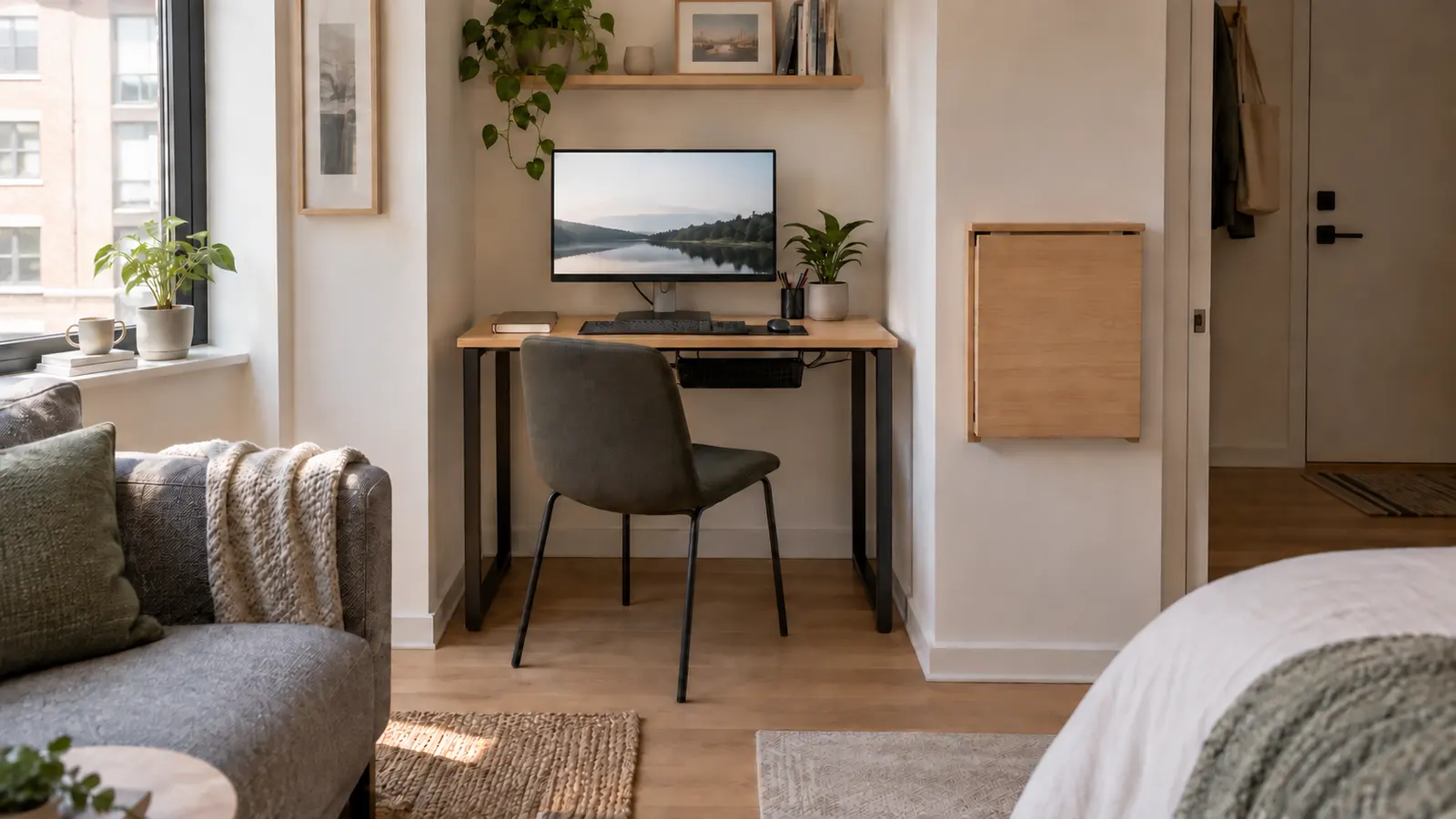
The original hero is a generated, generic apartment workspace. It is not a photograph of a MedHelperPro office and does not depict any named desk.
Sources and further reading
- OSHA: computer workstation purchasing guide and desk and work-surface guidance
- BIFMA: current furniture standard descriptions, including the X6.5-2022 home-office desk standard
- Branch: Daily Desk dimensions, price, materials, warranty, accessories, and returns
- IKEA: MICKE specifications, materials, current price, and load limits and US return policy
- West Elm: Mid-Century Mini dimensions, current price, assembly, and returns
- IKEA: NORBERG dimensions, installation notes, price, and availability label
- Desky: Dual Mini dimensions, height range, capacity, and current price, warranty, and returns
- Apartment Therapy: editor-tested West Elm desks
- The Independent: 2026 home-office desk testing and selection criteria
Before you buy: Recheck the exact finish, top dimensions, under-desk clearance, wall or floor footprint, monitor-mount compatibility, package sizes, current price, stock, delivery method, warranty, return deadline, original-packaging requirement, and fees. This guide is product research, not a hands-on fit or durability test.