Back-to-School Desk Setup for Small Rooms (2026)
Affiliate disclosure: As an Amazon Associate I earn from qualifying purchases. MedHelperPro may earn a commission from eligible purchases made through links in this guide, at no extra cost to you. Affiliate availability does not affect our selections. Read the full disclosure.
Research note: Product selections are based on published specifications, policies, and independent evidence unless a guide explicitly describes hands-on testing.
Buy for fit first, then for a cleaner look.
For a compact all-new setup, start with a 36 by 24-inch Branch Duo desk, Branch Ergonomic Chair, Dell E2425HSM 24-inch adjustable monitor, and IKEA TERTIAL lamp. The direct prices checked September 7 total about $1,088 before the lamp bulb, tax, and optional accessories. If that is too much, keep any stable desk or chair that already fits. Replace the worst mismatch instead of buying four flimsy substitutes at once.
FIRST
A back-to-school desk does not need to look like a streaming studio. It needs enough depth for a readable screen distance, a chair that meets the student's legs instead of fighting them, task light that misses the display, and a clear patch of surface for paper. In a dorm or shared bedroom, every inch and every return box matters.
The OSHA computer-workstation guide says there is no single correct arrangement for everyone. Its useful baseline is more practical: keep the top of the monitor at or just below eye level, shoulders relaxed, elbows close to the body, wrists in line with the forearms, and feet supported. The full ergonomic workspace guide explains that fit order in more detail.
What should you buy for a small student desk?
| Component | Researched pick | Why it fits the brief | Who should skip it | Price and ownership checked Sept. 7 |
|---|---|---|---|---|
| Desk | Branch Duo, 36 by 24 in | Compact surface, 28 to 47.3 in height range, two presets, optional cable parts | Shorter seated users who need a surface below 28 in, buyers who never plan to stand, or anyone with a strict furniture budget | $549 starting price; 10-year warranty; 30-day returns less return shipping |
| Chair | Branch Ergonomic Chair | 17 to 21 in seat height, 18 to 22 in seat depth, adjustable arms and lumbar support | People outside the maker's stated 5 ft 2 in to 6 ft 2 in range or anyone who cannot trial the seat depth | $369; 7-year warranty; 30-day returns less return shipping |
| Monitor | Dell E2425HSMCheck price on Amazon | 23.8 in IPS screen, 1920 by 1080, height, tilt, swivel, pivot, built-in speakers, VESA 100 mount | USB-C laptop users who want one-cable charging or students who need QHD or 4K detail work | $149.99 list price, with a $109.99 direct promotion observed; 3-year limited warranty; eligible consumer returns within 30 days |
| Task light | IKEA TERTIAL | Adjustable steel arm, clamp mount, replaceable E26 bulb, 7 in shade | Desks without a sturdy exposed edge or buyers who want built-in dimming and verified flicker data | $19.99 plus bulb; opened IKEA US returns within 180 days with proof of purchase |
Price note: Prices are direct US snapshots from September 7, 2026. Promotions, stock, shipping, tax, colors, and policies can change. The roughly $1,088 total uses the monitor's $149.99 list price and excludes the bulb. It is a planning number, not a promised cart total.
How should a student split the budget?
The best budget plan depends on what already works. A stable table at a usable height has more value than a new desk bought for its color. A chair that supports the back and lets both feet rest firmly may not need replacing. Keep those pieces and spend where the mismatch is obvious.
Under $200: fix the screen and light
This tier is for a student who already has a sound desk and usable chair. Pair the Dell monitor at its current price with the TERTIAL and a compatible bulb. If the existing laptop has no HDMI output, price the required adapter before ordering. Dell includes an HDMI cable, but the E2425HSM has no USB-C hub or laptop charging.
If the room cannot take a separate monitor, a raised laptop and separate keyboard and mouse are the smaller alternative. The laptop stand guide includes the folding Nexstand K2, while the keyboard and mouse guide compares compact and more adjustable input options. Do not raise a laptop and keep typing on its built-in keyboard for long sessions. That trades a low screen for lifted shoulders and reaching arms.
About $500: buy one serious fit upgrade
At this level, resist a four-piece bundle of unknown quality. If the chair has a fixed seat that presses behind the knees or leaves the feet hanging, buy the chair first and keep the desk. If the work surface is too high and cannot be adapted, put the money toward a desk that reaches the measured seated elbow height. Used commercial furniture can stretch the budget, but inspect every adjustment, wheel, fastener, cord, and lifting column before paying.
The Branch Ergonomic Chair at $369 leaves room for the $19.99 lamp and part of the monitor cost. Its seat depth adjusts from 18 to 22 inches, which is useful only if the student can sit against the backrest while leaving space behind the knees. The manufacturer's stated fit band does not guarantee comfort. Keep the packaging until the seat, arms, desk clearance, and floor surface have all been checked.
About $1,100: build the full compact setup
The four researched picks form a coherent all-new setup without paying for decorative extras. The 36-inch Duo is the smallest desk in Branch's range. The Dell screen is 21.21 inches wide with the stand, leaving some horizontal room for a laptop or notebook. The monitor base is 8.33 inches deep, so the 24-inch desktop still demands tidy placement.
This package has real compromises. The Duo's 28-inch minimum can be too high for a shorter student. The chair and desk both charge return shipping, which makes a casual trial expensive. The Dell lacks USB-C. The TERTIAL bulb determines color, dimming, and flicker behavior. The setup earns its place because its limits are visible, not because every part is the cheapest.
Above $1,100: splurge on the constraint
Extra money should solve a specific problem. A broader adjustment range may justify one of the alternatives in the standing desk guide, while the small-space desk guide compares fixed, wall-mounted, and compact sit-stand choices. More seat controls may justify the Branch Ergonomic Chair Pro or another option in the office-chair comparison. Wide paper-heavy work may justify a more controlled lamp from the desk-lamp guide. For a noisy shared study room, the open-office headphone guide explains the difference between speech isolation and call quality. A 27-inch QHD screen can help with detailed visual work, but it also takes more room and money. Upgrade the bottleneck, not the whole room.
How were these picks selected?
This shortlist starts with products already researched for MedHelperPro's workspace guides, then checks current first-party specifications, prices, return policies, and warranties again. It does not convert manufacturer reviews or another publication's score into a MedHelperPro rating.
- Room fit: The setup must work on a 36 by 24-inch surface without pretending that every dorm has room for a 60-inch desk.
- Body fit: Seat height and depth, desk height, monitor adjustment, and feet support matter more than a product's ergonomic label.
- Study fit: The surface needs room for both screen work and a notebook. Built-in monitor speakers can avoid another device on a small desk.
- Ownership: Return freight, packaging, warranty length, assembly, and a likely move at the end of term all count.
- Evidence: Published dimensions and policies count. Vague comfort claims, customer ratings, and unverified health promises do not.
Independent checks help expose practical snags. Tom's Guide assembled and used the Branch Duo, finding the compact version useful for smaller workspaces while noting that the control box and optional cable organizer can compete for underside space. Its current office-chair roundup lists the Branch Ergonomic Chair among models its team has tested, but personal comfort still needs an individual trial. MedHelperPro did not import those scores or claim that work as its own.
Will the setup fit a dorm or small bedroom?
Measure the whole movement path, not just the empty wall. Tape the desk's 36 by 24-inch rectangle on the floor. Mark the chair's 27.6-inch base. Open the room door, wardrobe, drawers, and bed storage. Roll the chair back as if standing up with a backpack on the floor. A desk that technically fits against the wall can still block daily life.
Then check the working surface. The Dell monitor is 21.21 inches wide and 8.33 inches deep with its stand. OSHA's evaluation checklist describes about 18 to 20 inches, or roughly arm's length, as a general monitor viewing distance. A shallow desk may require the screen base at the rear edge. A compatible monitor arm can recover surface depth, but only after confirming the panel's 100 by 100 mm VESA pattern, weight, desk-edge construction, clamp range, and underside clearance.
Leave the center of the desk for the current task. Store the laptop vertically only when it is asleep or the maker permits closed-lid operation and adequate cooling. Put the lamp on the opposite side from the writing hand when that reduces shadows, then turn the screen toward the window rather than placing a bright window directly behind it.
Which component should you skip or splurge on?
Desk: skip electric lift if it does not solve height
A fixed desk is fine when its surface matches seated elbow height and leaves enough leg room. The Branch Duo adds movement and preset heights, but its 28-inch minimum is the deciding number for shorter users. Do not buy it only because standing desks are popular. If you do buy it, choose 48 inches rather than 36 when two monitors or wide paper projects are normal.
Chair: splurge on fit, not upholstery
A chair deserves the largest share when the student studies for hours. Check that the backrest reaches the lower back, the seat depth leaves room behind the knees, and the arms can clear the desk. If the feet do not rest firmly when the keyboard is at elbow height, use a stable footrest. The footrest comparison explains how lift and chair height work together.
Monitor: skip size before adjustability
For documents, browsing, and ordinary coursework, a height-adjustable 24-inch screen is usually the easier small-room fit. The Dell's Full HD resolution is modest, and students doing photo work, dense spreadsheets, coding across several panes, or detailed design may prefer QHD. They should also check color requirements set by their course. Do not pay for a 27-inch display before confirming that it can sit far enough away.
Lighting: start cheap, but choose the bulb carefully
TERTIAL keeps the fixture simple and replaceable. The E26 bulb is the important part. Choose an opal bulb that fits the 13-watt maximum and has a return path if the color or dimming behavior is unpleasant. Place the hood so the source is out of the student's direct view and its reflection is not visible on the screen. OSHA recommends supplemental task light for paper while limiting brightness and glare around monitors.
Buyer's guide: check these details before ordering
- Measure seated elbow height. Sit with shoulders relaxed and forearms level. Compare the floor-to-elbow measurement with the desk surface range.
- Measure chair fit. Record floor-to-knee height, usable seat depth, hip width, arm height, and the width of the chair's path under the desk.
- Map the screen. Mark the monitor's width, base depth, viewing distance, cable exits, and top-of-screen height. Include the laptop if both displays stay open.
- Audit the ports. Dell includes HDMI and DisplayPort inputs but no USB-C hub. Check the laptop's output and budget for one known-compatible adapter if necessary.
- Find a safe power route. Keep power bricks ventilated, cords out of the chair path, and surge protection accessible. The desk cable management guide compares trays, sleeves, clips, and no-drill options. Ask the residence before attaching anything to walls or furniture.
- Read return rules before assembly. Large furniture can cost money to ship back. Keep every insert, fastener, label, and box until fit is settled.
The NIOSH home-workstation guidance favors an external monitor around arm's length with the top at or below eye level. It also recommends a chair that supports the back and allows the feet to rest flat, with a box or book used as a simple footrest when needed. These are adjustment goals, not a promise that any product will prevent pain.
Frequently asked questions
Is a 36-inch desk wide enough for a student?
It can hold one 24-inch monitor, a compact keyboard, and a small writing area if the surface stays organized. It is tight for two monitors, large speakers, art projects, or books that must remain open beside the keyboard. Tape the surface size before ordering.
Should a student buy a monitor or a laptop stand?
Choose the monitor when the desk stays in one place and the student needs a larger, independently adjustable screen. Choose a laptop stand when storage and moving matter more, but add a separate keyboard and mouse for longer sessions. The laptop's ports and charging setup may decide the issue.
Does a standing desk improve studying?
A standing desk makes posture changes easier, but it does not make schoolwork better by itself. A fixed desk that fits can be the smarter purchase. Students who buy a sit-stand desk should alternate positions for comfort rather than treating standing all day as a goal.
What is the first upgrade for a very small budget?
Fix the part that forces the worst workaround. That may be a separate keyboard for a raised laptop, a footrest for dangling feet, a shaded task lamp for paper, or a monitor stand that brings the display into a readable position. Measure before spending.
Research and testing limitations
MedHelperPro did not physically build or use this student setup. No room, desk, chair, monitor, lamp, cable, sound, glare, stability, durability, surface temperature, assembly, or long-session comfort measurements were performed. First-party pages and policies were checked September 7, 2026. Independent observations are attributed to the publication that made them.
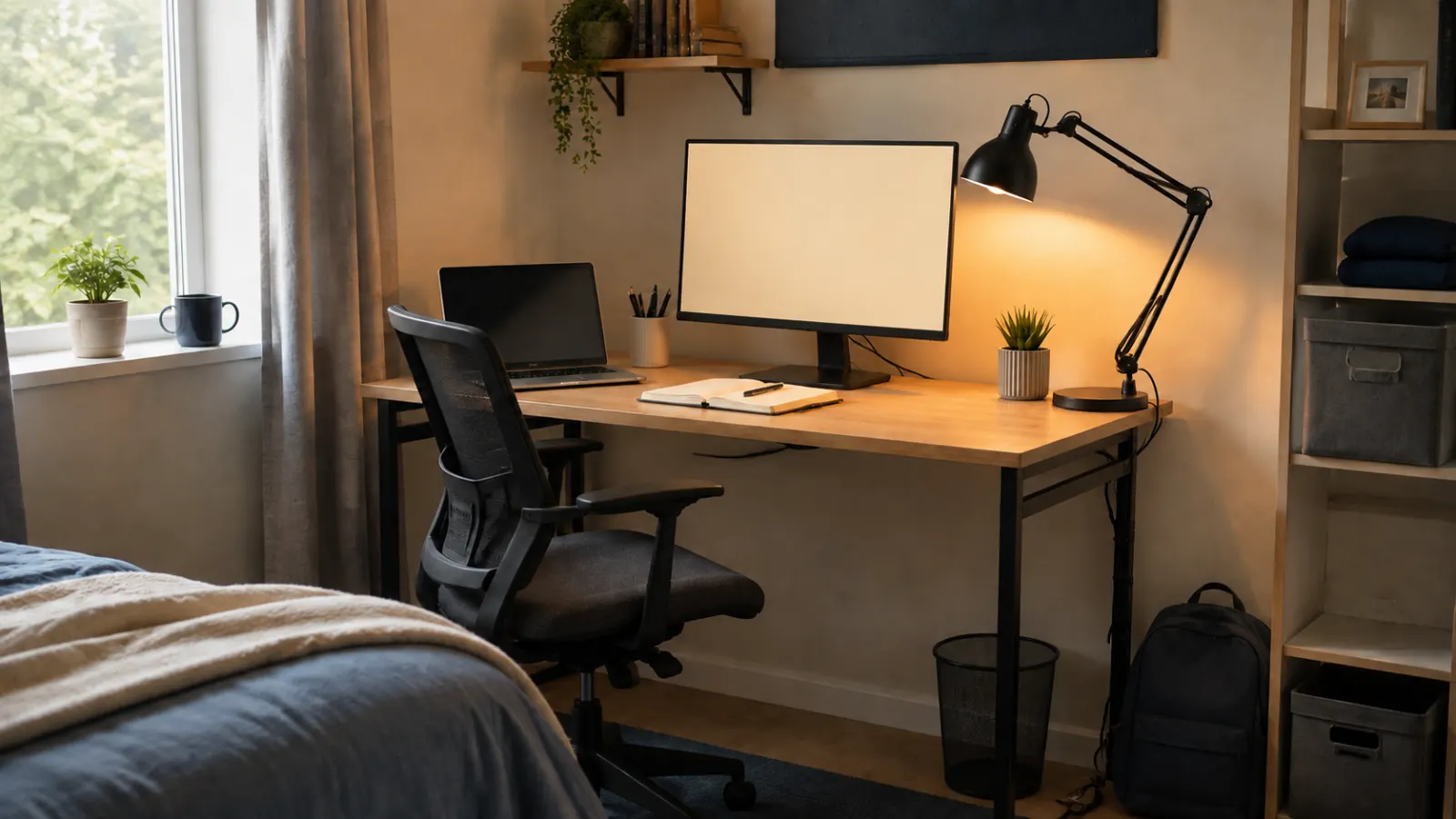
The calendar proposed a roundup made from products with MedHelperPro's own real test scores. The repository contains researched buying guides, but it does not contain product samples, a student room, dated assembly notes, measurements, original setup photos, raw score sheets, or a documented scoring method for these four items. This guide therefore uses no MedHelperPro scores and makes no tested-setup claim. The original hero is a generated editorial scene, not a photograph of a MedHelperPro room.
Sources and further reading
- OSHA: computer workstation setup principles
- OSHA: workstation evaluation checklist
- OSHA: lighting and glare guidance
- NIOSH: home workstation guidance
- Branch: Duo Standing Desk specifications, price, warranty, and returns
- Branch: Ergonomic Chair specifications, price, warranty, and returns
- Dell: E2425HSM specifications, price, certifications, and warranty
- Dell: US return policy
- IKEA: TERTIAL specifications and price
- IKEA US: return policy
- Tom's Guide: Branch Duo hands-on review
- Tom's Guide: 2026 office-chair roundup and testing method
Before you buy: Recheck price, stock, dimensions, desk-edge construction, ports, warranty, and return costs. Keep all packaging until the student has checked screen distance, chair fit, lamp glare, cables, and room access.